Connecting my CRM to Commas
Last updated: July 22, 2026
To integrate your CRM with Commas using Zapier, follow these steps:
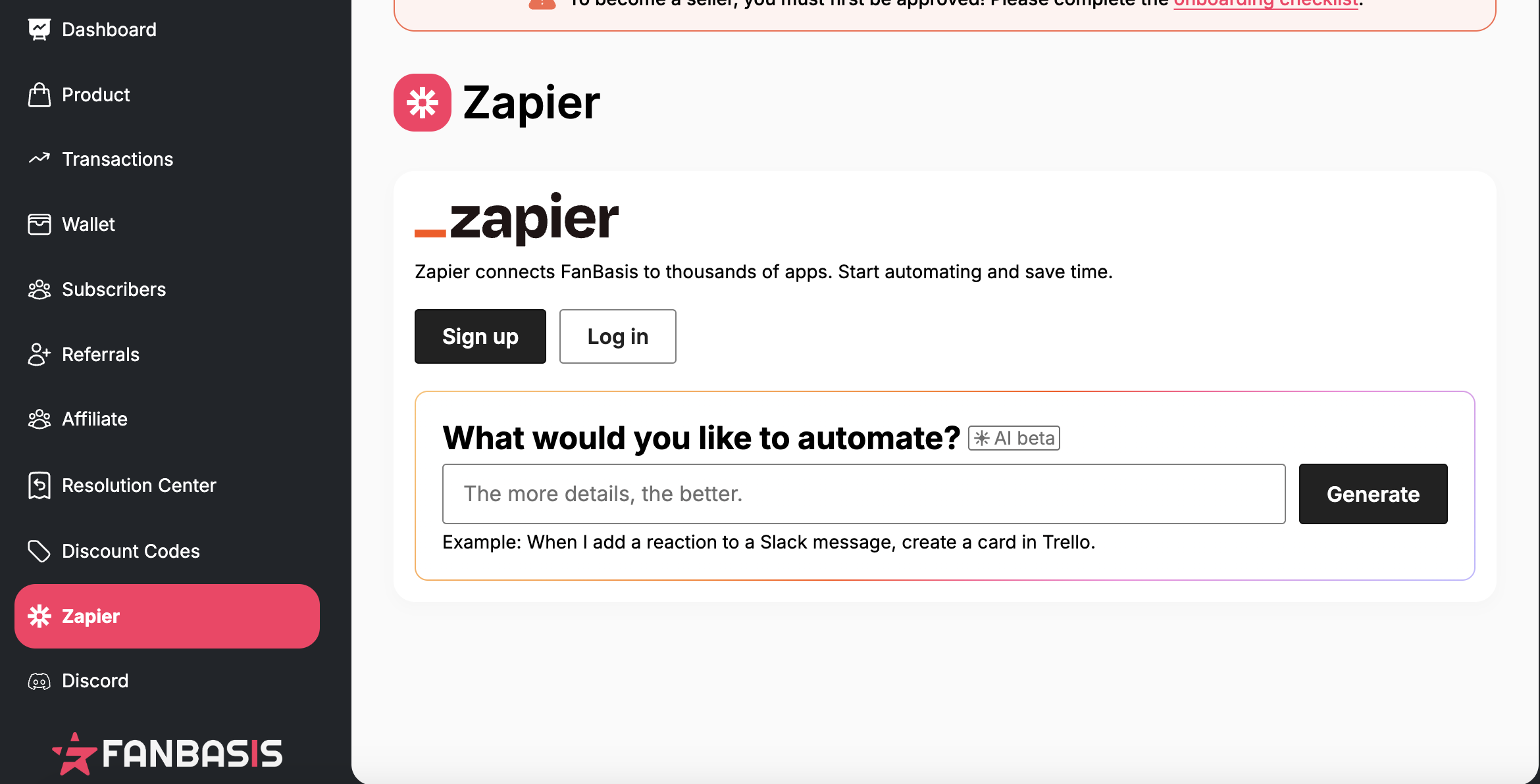
From your Dashboard, click on the Zapier tab located on the left-hand side.
Log in to your Zapier account when prompted.
Follow the instructions to connect Commas to your preferred CRM.
When connecting the Commas account through Zapier, please use the credentials for the admin account login (email used when signing up to Commas) as this only will pull the transaction data for security purposes!
Zapier supports a variety of popular CRM systems, including but not limited to:
Salesforce
Pipedrive
Zoho CRM
HubSpot
Keap
And many more!
Once connected, you can automate workflows — like syncing leads, customer data, or actions taken in Commas — with your CRM to streamline your operations.
Here is a list of all our Zapier integrations: https://zapier.com/apps/fanbasis/integrations